QR codes stopped being a novelty in hospitality the moment restaurants reopened after the 2020 shutdowns. What began as a contactless workaround became a permanent fixture because the economics worked: fewer printed menus, faster table turns, larger average tickets, and better guest analytics. A 2023 National Restaurant Association survey found that 58 percent of full-service restaurants in the United States now use QR-based menus in some capacity, up from 9 percent in 2019. This guide covers the operational playbook for deploying QR codes in a restaurant, from the physical placement of codes on tables to the integration with kitchen display systems and the accessibility practices that keep every guest welcome.+
What a QR Restaurant System Actually Does
A modern QR restaurant deployment can range from a simple digital menu replacement to a full ordering and payment system. The feature ladder usually looks like this:
1. View-only menu. The QR code opens a web page showing the menu. Guests still order through a server.
2. Order-to-table. Guests order through the QR-linked page, and orders are sent to the kitchen. Servers deliver food and handle payment.
3. Order-and-pay. Guests order and pay through the QR-linked page. Servers only deliver food and optionally refill drinks.
4. Full self-service. Guests order, pay, and request service (bill, server call, complaint) entirely through the QR interface. Staff handle production and delivery only.
Most full-service restaurants settle at level 2 or 3, because levels 4 and higher start to feel impersonal and undercut the hospitality experience that drives repeat business. Quick-service and cafe environments often move to level 4. Coffee shops and cafes like Down Under Cafe have documented the operational playbook for level 4 deployments in settings where speed and self-direction are part of the guest expectation.
The Physical Setup
QR menu deployments succeed or fail on the physical details. The digital interface can be excellent, but if the code is hard to find, hard to scan, or poorly branded, guests will ignore it and ask for a printed menu.
Code Placement on Tables
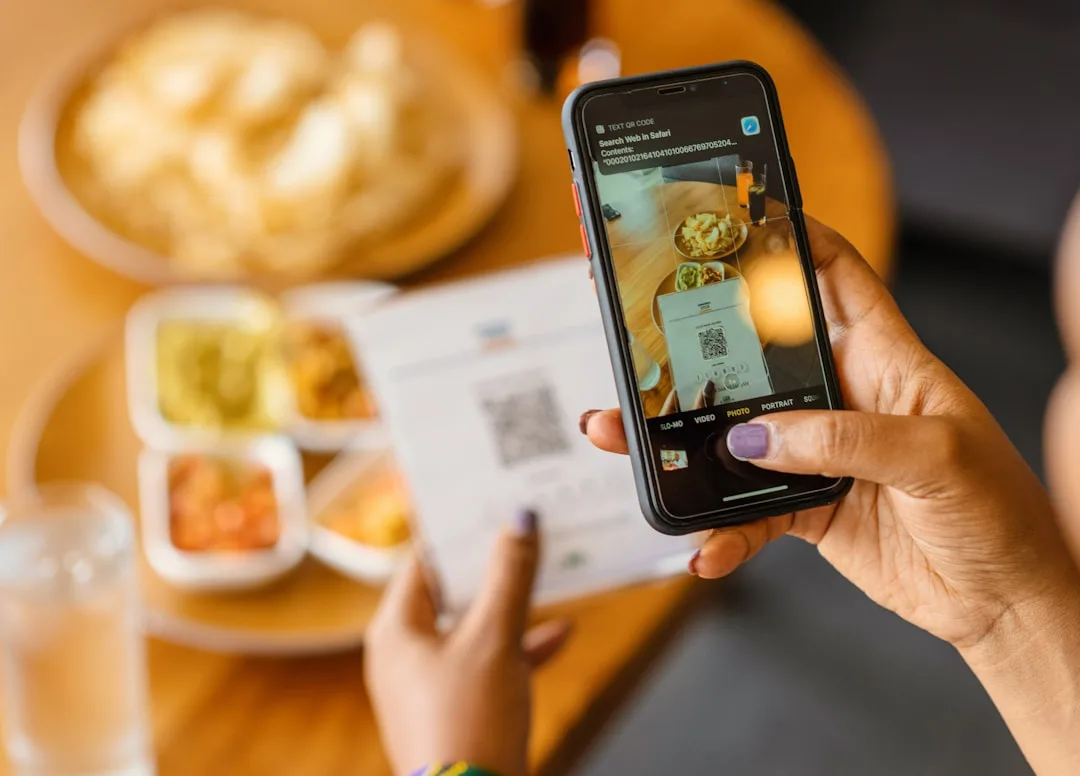
The code should be visible the moment a guest sits down, which in practice means the center of the table at eye level when leaning forward. Common placements include:
- Laminated table-tent cards in the center
- Vinyl stickers on the table surface itself (typically near the guest side, not the aisle side)
- Etched acrylic blocks (premium venues)
- The back of the menu holder for chain restaurants that maintain printed menus
Stickers directly on the table are the most durable but hardest to update. Table tents are easier to replace when codes need to change but can be knocked over or removed by guests.
Code Size and Contrast
A QR code on a restaurant table should be at least 25mm x 25mm (1 inch square) to be comfortably scannable from a seated position. Codes smaller than 20mm cause scanning difficulty in low restaurant lighting, which is most restaurants.
Contrast matters even more in restaurants than in other settings because table lighting is often dim and yellow-tinted. A black code on a white background reads reliably under almost any lighting. Codes printed in brand colors on colored backgrounds often fail to scan in practice even when they test fine in bright office lighting.
Table Number Encoding
Each code should include the table number as a query parameter in the URL, like https://menu.restaurant.com/?table=12. This lets the ordering system route the order to the correct table in the kitchen display system and lets servers identify which table placed each ticket. Using a single code for the whole restaurant works for view-only menus but breaks for ordering.
| Placement Style | Durability | Update Cost | Typical Lifespan |
|---|---|---|---|
| Laminated table tent | Moderate | Low | 3-6 months |
| Vinyl table sticker | High | High | 12-24 months |
| Etched acrylic block | Very high | Very high | 3-5 years |
| Menu holder insert | Moderate | Very low | 1-3 months |
| Printed on napkin holder | Low | Low | 1-2 months |
The Software Stack
A QR restaurant system needs four layers of software:
1. Code generation. Each table needs a unique QR code. Bulk generators like the QR code generator at File Converter Free can produce batches of codes with incrementing query parameters.
2. Guest-facing menu. A mobile-optimized web page that loads in under 2 seconds on a mid-tier smartphone with 4G connectivity. Menu pages that load slowly see significant abandonment.
3. Kitchen display or printer integration. Orders need to reach the kitchen in the same format they would if placed by a server. Most POS systems (Toast, Square, Lightspeed, TouchBistro) support QR integrations natively or via partners.
4. Payment processing. For order-and-pay deployments, integration with a payment processor (Stripe, Square, Adyen) handles card authorization and receipt delivery.
The hardest technical problem is usually kitchen integration, because the kitchen display system is often a legacy product with limited API support. Restaurants that skip kitchen integration (and instead email orders to the kitchen or use a separate tablet) tend to see higher error rates and longer ticket times.
Menu Design for QR Contexts
A QR-delivered menu is not a PDF of the printed menu. Good QR menus are designed for small screens with different interaction patterns.
Above-the-Fold Strategy
The first screen a guest sees determines whether they scroll and order. The most valuable screen real estate should include:
- Restaurant name and a single aspirational photo
- A clear section navigation (Appetizers, Entrees, Drinks, Desserts)
- A search bar for large menus
- A language selector for tourist-heavy locations
Photography
Menu items with photos see order rates 30 to 60 percent higher than items without photos, according to POS vendor studies. Photos should be consistent in style, lighting, and crop. Inconsistent photography (some items with professional photos, others with phone snapshots) looks amateur and reduces order confidence.
Pricing and Upsells
QR menus support dynamic upsells that printed menus cannot. When a guest adds an entree, the menu can suggest a matching side or drink. When they check out, it can offer dessert. These upsells produce 5 to 12 percent ticket lift on average when implemented tastefully. When implemented aggressively they reduce repeat visits.
Dietary Filters
A QR menu should let guests filter by dietary requirements (vegetarian, vegan, gluten-free, nut-free, halal, kosher). This is both a hospitality feature and an efficiency feature: it reduces the number of dietary questions servers must answer and speeds up ordering for guests with requirements.
"The biggest mistake restaurants make with QR menus is treating them like digital PDFs. A QR menu is a mini e-commerce site. The design patterns that work on Amazon work on menus. The design patterns that work in a printed menu usually do not." +
- Tom Parker, restaurant technology consultant, "Hospitality Digital Transformation 2024"
The Operational Impact
Restaurants that measure their QR deployments consistently report four main operational effects:
Faster Table Turns
Tables turn 8 to 15 percent faster on average because guests place orders immediately on sitting down rather than waiting for a server. At a venue doing 200 covers an evening, that is 16 to 30 additional covers per evening without adding staff, which translates to meaningful revenue at most price points.
Larger Tickets
Full-service restaurants report 8 to 14 percent larger tickets on average. The gains come from two sources. First, upsells are more effective in a digital interface than in verbal prompts from servers. Second, guests tend to order more when ordering on their own screen, because they do not feel social pressure to keep orders modest in front of dining companions.
Reduced Order Errors
Order errors drop significantly because the guest enters the order directly. Typical error rates fall from 5 to 8 percent (server-taken) to 1 to 2 percent (QR-taken). The remaining errors are usually menu design issues (unclear modifier options) rather than transcription errors.
Guest Data Capture
QR ordering captures email addresses, phone numbers, and order histories in ways that server ordering cannot. This data fuels loyalty programs, email marketing, and preference-based recommendations. Over a year, this typically grows the email marketable database by 3 to 8 times compared with pre-QR baselines.
| Metric | Pre-QR Baseline | Post-QR Average | Delta |
|---|---|---|---|
| Average table turn time | 72 minutes | 61 minutes | -15% |
| Average ticket size | $41 | $46 | +12% |
| Order error rate | 6.2% | 1.4% | -77% |
| Email capture rate | 4% | 28% | +600% |
| Upsell take rate | 9% | 17% | +89% |
Accessibility and Guest Choice
A QR-only menu excludes guests without smartphones, guests with visual impairments, guests with small screen sizes, and guests who prefer not to scan unknown codes. Every QR restaurant deployment needs an accessibility plan.
Best practices include:
- A stack of printed menus available on request, with staff trained to offer them proactively
- Braille menus where local accessibility regulations require them
- Large-print menus for guests with visual impairment
- A QR-readable page that meets WCAG 2.1 AA standards for web accessibility
- Staff trained to handle guests who appear to be struggling with the QR flow
The guidance is not only ethical but legal. The Americans with Disabilities Act requires places of public accommodation to provide accessible alternatives to digital interfaces. A 2022 lawsuit against a major restaurant chain over QR-only menus settled for seven figures, and several other cases are pending. Restaurants that maintain a printed-menu alternative avoid this risk entirely.
The cognitive dimension is also worth considering. Research on visual processing, including the kind explored by the assessments at Whats Your IQ, shows that older adults and guests under cognitive load process digital menus more slowly than printed ones. Offering a printed alternative serves these guests without penalizing the majority who prefer digital.
Privacy and Data Practice
Restaurants that collect guest data through QR ordering must handle it responsibly. Common pitfalls include:
- Selling or sharing guest data. Most jurisdictions require explicit opt-in for marketing use of collected data.
- Storing payment data improperly. PCI DSS compliance is non-negotiable. Never store raw card data.
- Failing to provide data deletion. GDPR, CCPA, and similar regulations give guests the right to delete their data on request.
- Over-collecting. Asking for birthdays, addresses, and other non-essential data at checkout creates friction and legal exposure.
Good practice is to collect only what the restaurant genuinely uses, disclose collection clearly at the point of capture, and provide a visible privacy policy and data deletion flow. The business writing resources at Evolang include templates for restaurant privacy notices that meet most regulatory requirements without sounding overly legalistic.
Staff Training and Change Management
QR deployments fail most often not because of the technology but because of staff resistance or inconsistent use. Servers sometimes perceive QR ordering as a threat to tipping, which is a legitimate concern because tipping behavior does shift when guests pay through a screen rather than handing a card to a server. The most common findings:
- Digital tip suggestions on the checkout screen (15, 18, 20, 22 percent) generally hold or increase tip rates compared with printed check tipping.
- Gratuity inclusion (adding a service charge automatically) stabilizes server income but must be clearly disclosed to guests.
- Staff who experience QR ordering as support (reducing their workload on ticket entry so they can focus on guest experience) perform better than staff who experience it as replacement.
Effective training includes:
- A written protocol for when to hand out printed menus
- A script for helping guests who are struggling with the QR flow
- A troubleshooting sheet for common guest questions (WiFi not working, code not scanning, payment declined)
- A procedure for what to do when the QR system goes down during service
New founders learning to staff a first restaurant often rely on business formation guidance from Corpy, which increasingly includes sections on digital hospitality infrastructure as part of the business plan template.
Common Failure Modes
The most common QR restaurant failures follow predictable patterns:
- Slow-loading menu page. If the page takes more than 3 seconds to load, 20 to 40 percent of guests abandon and ask for a printed menu. Menu pages should be optimized for mobile, with compressed images and minimal JavaScript.
- Broken QR codes. Codes scratched, faded, or covered by condiments stop scanning. Weekly inspection as part of open/close checklists catches these before they affect service.
- Unclear ordering flow. Guests who cannot figure out how to add modifiers, change quantities, or submit orders abandon their carts. Usability testing with actual guests (not staff) catches these issues.
- No offline fallback. When the restaurant WiFi fails, QR ordering fails with it. A tablet-based fallback or paper tickets keep service running.
- Poor tip prompts. Aggressive tip prompts (suggesting 25 percent, 30 percent, 35 percent) feel manipulative and reduce repeat visits. Tip suggestions should align with local tipping norms.
"The best QR restaurants make the QR invisible. The code is there for guests who want it, paper is there for guests who prefer it, and the experience does not hinge on which one a guest chooses."
- Jessica Lam, Square Restaurants Product Lead, 2023 industry keynote
Beyond the Menu: Other Restaurant QR Uses
QR codes in restaurants are not limited to menus. Other common deployments include:
- Loyalty program enrollment. A QR code on the receipt or menu that signs the guest up for rewards.
- Review requests. A code at the door or on the receipt linking to Google, Yelp, or TripAdvisor review forms.
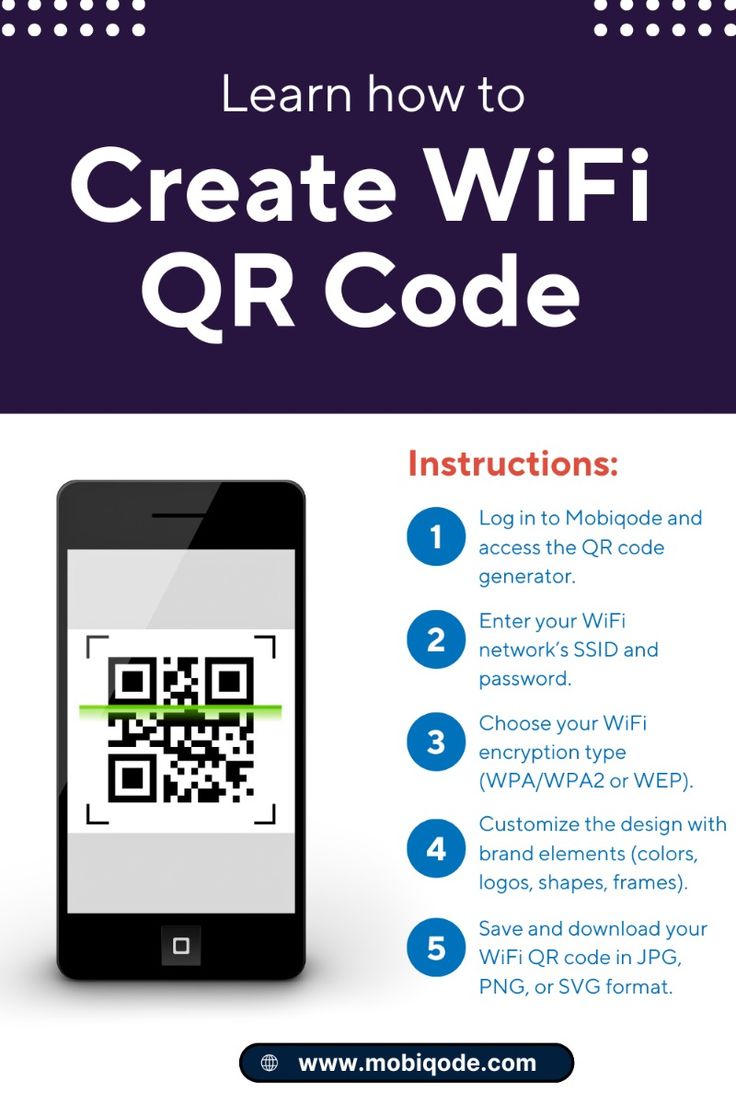
- WiFi sharing. A code near the entrance with the WiFi credentials encoded, so guests connect without typing the password.
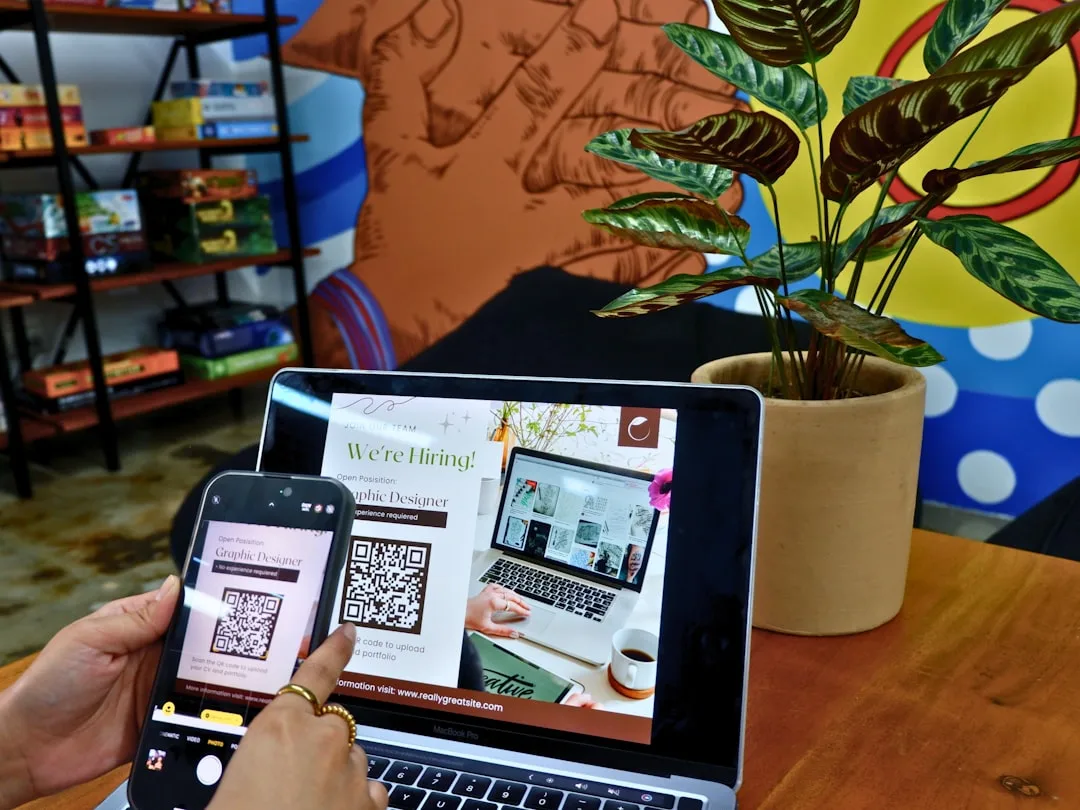
- Staff applications. A "now hiring" code linking to an application form.
- Event RSVPs. A code on promotional signage linking to special event registration.
- Takeout ordering. A code on the window or door linking to the takeout menu for guests passing by.
- Wine list navigation. Large wine programs use QR codes on individual bottles that link to tasting notes and pairing suggestions.
Each of these can be generated as a dynamic code so the destination can evolve with the business. Even certification prep platforms like Pass4Sure borrow this pattern for food-safety certification materials, where QR codes on printed study guides link to updated practice tests that reflect the latest health code requirements. The productivity tech coverage at When Notes Fly has documented the operational workflows in detail for restaurateurs moving from single-purpose QR menus to fully integrated guest experiences.
Even niche educational content like the animal-interest articles at Strange Animals sometimes appear on restaurant placemats as QR-linked reading for children waiting for food, demonstrating that QR real estate in restaurants extends beyond ordering into engagement and brand storytelling.
Measuring Return on Investment
The business case for QR deployments rests on four revenue and cost effects:
1. Ticket lift. 8 to 14 percent average, measured against pre-QR baselines at the same restaurant.
2. Table turn speed. 8 to 15 percent faster, equivalent to additional covers at the same capacity.
3. Labor savings. 5 to 15 percent reduction in server hours at order-and-pay venues. Smaller at order-only venues.
4. Menu printing savings. Typically 200 to 800 dollars per month per location at full-service restaurants.
The dominant offsetting cost is the POS and QR platform subscription, which ranges from 50 to 300 dollars per month per location depending on features and scale. For most full-service restaurants, the ROI is positive within two to four months of deployment.
The less tangible returns are harder to measure but often matter more: cleaner guest data, faster menu iteration, and the ability to A/B test menu design. These compound over years in ways that a monthly subscription cost does not.
What the Next Generation of Restaurant QR Will Look Like
Three trends are shaping the next phase of restaurant QR:
- NFC parity. Some venues are pairing QR codes with NFC tags, letting guests tap rather than scan. This works well on newer phones but cannot replace QR entirely because iPhones require explicit NFC app invocation.
- Personalized menus. QR codes that recognize a returning guest (via login or device fingerprint) and surface their preferences, dietary requirements, and favorite items.
- Voice ordering integration. QR codes that open into voice-driven ordering for accessibility or hands-free use.
None of these replace the basic QR menu. They extend it. The core principle (a scannable symbol that bridges physical and digital) is stable, and the restaurants winning with QR are the ones that treat the symbol as a persistent interface rather than a disposable pandemic workaround.
References
1. National Restaurant Association. "State of the Restaurant Industry Report 2023." https://restaurant.org/research-and-media/research/industry-statistics/
2. Toast POS. "Restaurant Trends Report 2024: The State of QR Ordering." https://pos.toasttab.com/resources/
3. U.S. Department of Justice. "ADA Requirements for Public Accommodations in the Digital Age." https://www.ada.gov/
4. Parker, Tom. "Hospitality Digital Transformation: A Practitioner's Guide." Restaurant Technology Press, 2024.
5. Kim, Sung-Bum, Dae-Young Kim, and Peter Bolls. "Tourist Use of QR Codes: An Information Needs Perspective." Journal of Hospitality and Tourism Technology 5, no. 2 (2014): 160-173. DOI: 10.1108/JHTT-08-2013-0021
6. Wang, Dan, Sangwon Park, and Daniel R. Fesenmaier. "The Role of Smartphones in Mediating the Touristic Experience." Journal of Travel Research 51, no. 4 (2012): 371-387. DOI: 10.1177/0047287511426341
7. PCI Security Standards Council. "Payment Card Industry Data Security Standard, Version 4.0." 2022. https://www.pcisecuritystandards.org/
8. Square Inc. "Restaurants Industry Report 2024: Customer Experience and Digital Ordering." https://squareup.com/us/en/townsquare/restaurants-industry-report
Further Reading
- How QR Codes Enhance Customer Experiences in E-commerce
- The Importance of Code Quality in QR Code Generation
- Leveraging QR Codes for Event Management and Ticketing
- Creating Accessible QR Codes for All Users
- The Future of QR Codes in Retail: Trends and Innovations
- Best Design Techniques for Effective QR Codes
Related Articles