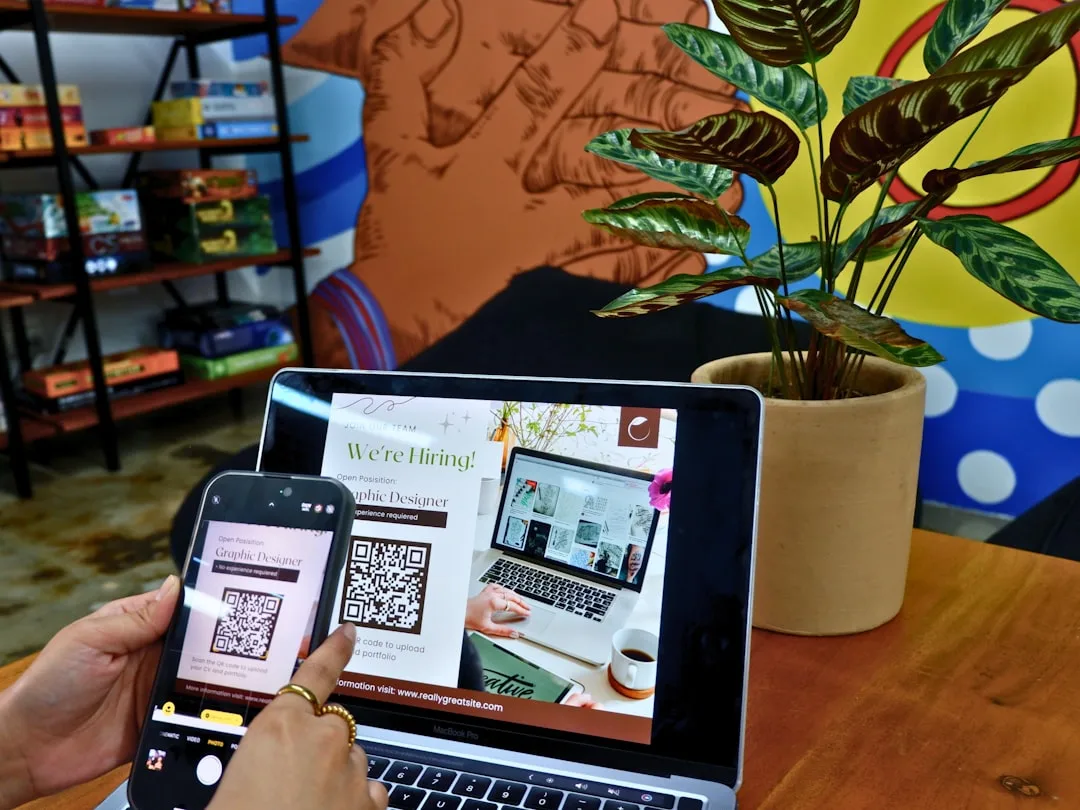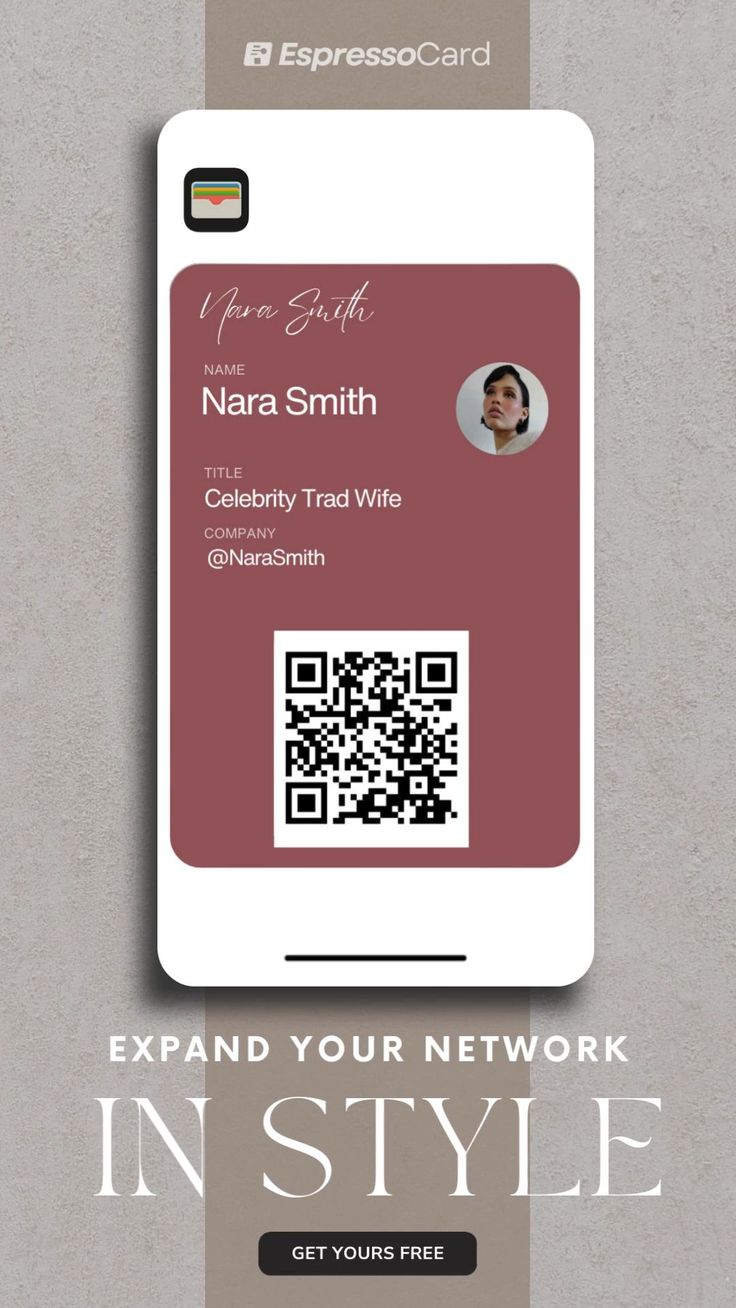
A business card with a QR code is not a gimmick. It is a small infrastructure upgrade that turns a piece of paper into a bridge to the rest of your professional presence, and it addresses a specific failure mode of traditional cards: the stack of collected cards that nobody ever enters into a contact manager. Somewhere between 60 and 85 percent of business cards are never actioned after a networking event, according to studies by vendors like HubSpot and Demandbase. The QR code compresses the friction of "save this person's details" from a five-minute typing session into a one-second scan. This guide walks through the design and deployment of QR business cards in detail, including the choice between vCard and landing page payloads, the physical layout principles that drive scan success, and how to use the resulting cards to actually produce follow-ups.+
What a Good QR Business Card Does
A QR business card should accomplish three things at the moment of exchange:
1. Let the recipient save your contact details with one tap
2. Give the recipient optional access to a richer representation of you (portfolio, recent work, company page)
3. Tell you something about which contacts actually engage after the exchange
The first of these is non-negotiable. The other two depend on how you structure the payload and where the code points. The most common mistake is optimizing the card aesthetics around the code rather than the functional outcome. A beautifully designed card that fails to scan reliably in low lighting is worse than an ugly card that scans every time.
| Payload Type | Editable After Print | Offline Capable | Scan Analytics | Best Use Case |
|---|---|---|---|---|
| Raw vCard | No | Yes | No | Privacy-sensitive roles |
| Hosted vCard page | Yes | No | Yes | Most professionals |
| Personal landing page | Yes | No | Yes | Creators, consultants |
| Company page | Yes | No | Yes | Sales and BD roles |
| LinkedIn profile | Semi (via vanity URL) | No | Partial | Corporate roles |
| Calendly or scheduling | Yes | No | Yes | Sales, coaches, consultants |
vCard vs Landing Page: The Core Decision
The first design decision is whether the code encodes a raw vCard (contact data directly in the QR code's modules) or points at a web page that represents you.
The vCard Approach
A vCard QR code encodes contact information directly in the code using the vCard 3.0 or 4.0 specification. When scanned, the phone offers to save the contact to the address book without opening a browser. This works offline, preserves privacy (no server sees the scan), and is the closest digital equivalent of handing someone a paper card.
The tradeoff is permanence. A vCard on a printed card cannot be updated. If your phone number changes, or you switch companies, every card you handed out still has your old information. For people who change roles or companies rarely, this is fine. For consultants, sales professionals, and anyone with evolving contact details, it is a serious limitation.
The Landing Page Approach
A landing page QR code points at a web page hosting your contact information, usually with a prominent "Save contact" or "Add to contacts" button that downloads a vCard file on demand. The experience for the recipient is almost identical (tap to save), but the information can be updated anytime, scan activity can be tracked, and the page can offer richer context like links to recent work, a scheduling page, or a company profile.
For almost every professional context, the landing page approach is better. The main reason is editability: a card printed with a landing page QR code remains useful for years because you can update the landing page to reflect your current details. A card with a raw vCard goes out of date the moment your details change.
Professional business formation guidance at Corpy recommends the landing page approach specifically because new founders change company names, phone numbers, and addresses frequently during the first year of operation, and a vCard printed in month two is often obsolete by month six.
Card Layout Principles
A QR business card should look like a traditional business card first and a QR carrier second. The conventional layout, with name and title on the front and the QR code on the back, is conventional because it works.
The Front
The front of the card should look like a traditional card: name, title, organization, and optionally a tagline. Keep the front clean. The front is what people see when they glance at the card in a wallet or on a desk, and visual clutter reduces professional signal.
The Back
The back hosts the QR code, centered, with a clear call to action above or below it. Effective calls to action include:
- "Scan to save contact"
- "Scan to connect"
- "Scan to view portfolio"
- "Scan to schedule a call"
The call to action increases scan rates substantially. Studies by card printers like MOO and VistaPrint find that cards with explicit scan prompts see 30 to 50 percent higher scan rates than cards with bare QR codes.
Size and Contrast
The QR code should be at least 18mm square, preferably 22mm, printed at 300 DPI or higher. Smaller codes are scannable in perfect conditions but fail in the low-light environments of bars, restaurants, and poorly lit conference halls where networking actually happens.
Contrast matters. Pure black modules on a white background work everywhere. Colored QR codes (navy on cream, green on beige) work in good lighting but fail more often in poor conditions. If you must use a branded color, test the card in multiple lighting conditions before printing a thousand copies.
The Quiet Zone
The QR specification requires a quiet zone of at least 4 modules of blank space around the code. Designers often violate this to squeeze the code closer to other elements, which degrades scan reliability. Respect the quiet zone. It is not decorative; it is functional.
The Landing Page
If you use the landing page approach, the landing page itself is the real product. A poorly designed landing page nullifies the advantage of the QR code. Good landing pages share several properties.
Loads in Under Two Seconds
The page should be mobile-optimized and fast. A landing page that takes 5 seconds to load on a spotty conference WiFi will lose scanners. Compress images, inline critical CSS, and minimize JavaScript.
Prominent Save Contact Button
The primary action on the page is "Save to contacts." Make it the largest button above the fold. On tap, it should download a vCard file that the OS offers to add to the address book. This is the feature that converts a scan into a saved contact.
Secondary Calls to Action
Below the save-contact button, offer secondary actions relevant to your role:
- Book a meeting (Calendly, Google Calendar booking page)
- View portfolio or case studies
- Read recent writing
- Follow on LinkedIn or Twitter
- Send an email (mailto link)
- Call directly (tel link)
Visual Identity
The landing page should look like a professional extension of the card, not like a generic contact page. Use the same typography and color palette as your card and other materials.
Analytics
Track scans, save-contact conversions, and secondary action clicks. Over time, this data tells you which networking events produce real follow-up and which ones do not.
"The card is the invitation. The landing page is the actual meeting. Most professionals spend 90 percent of their design effort on the card and 10 percent on the page, when the split should be reversed. The card just needs to get scanned. The page needs to convert the scan into a relationship." +
- Marcus Thompson, author of "Networking at Scale," 2024
Generating the Code
For the actual QR code, several practical choices matter:
1. Use a dynamic QR code. This lets you change the destination URL if your landing page moves, without reprinting cards.
2. Use your own short domain if possible. A code that redirects through
go.yourname.comis more trustworthy than one that redirects through a generic provider.3. Use Error Correction Level M or Q. Level M works for most cards. Level Q is slightly more resilient to scuffing and fingerprints, at the cost of larger modules at the same size.
4. Test the code on multiple phones. Generate the final code, print a test card, and scan it with at least three different phones in three different lighting conditions before committing to a production run.
Free tools like the QR code generator at File Converter Free produce high-quality static codes that work for the vCard approach. For the dynamic landing page approach, use a dedicated service that provides analytics and lets you update the destination.
Integration with Digital Wallets
Apple Wallet and Google Wallet both support digital business cards. A QR business card can include a secondary QR code or a link that adds a "pass" to the recipient's wallet, which then hosts the contact details and updates automatically when you change them.
This pattern is still uncommon but growing. It solves the update problem more elegantly than a web landing page because the updated details sync to the recipient's wallet without them taking any action. The adoption barrier is that most recipients are not familiar with business card wallet passes and may not trust the unfamiliar add-to-wallet flow.
For now, the landing page approach is more universally effective, but wallet passes are worth watching as adoption grows.
Event-Specific Cards
Some professionals print event-specific cards for major conferences or trade shows. These cards include a QR code that points at a landing page customized for the event (mentioning the event name, offering relevant materials, tracking scans by event).
The benefit is measurement: you can tell how many scans came from each event, which helps evaluate which events produce real pipeline. The cost is printing multiple card variants, which is practical only at events where you expect to hand out 50 or more cards.
For most professionals, a single generic card with a dynamic QR code is sufficient. For high-volume networkers, event-specific cards produce useful measurement.
Professional Etiquette
The etiquette of QR business card exchange differs subtly from traditional card exchange. Several patterns matter:
Offer the card, then explain. Hand the card over normally. If the recipient does not immediately understand the QR code, briefly explain ("the back has a QR code, if you scan it you can save my info and see my work"). Do not lecture. + Accept paper cards graciously. Some recipients will hand you traditional paper cards. Accept them normally. Do not signal that paper is outdated. + Do not pressure scanning in the moment. Some recipients prefer to keep the card and scan later. Do not stand over them waiting for the scan. + Follow up on scans tactfully. If your landing page captures scans and you have visibility into who scanned (through a sign-up form or scan analytics tied to follow-up emails), use that information carefully. Following up on a scan with an overly eager sales message violates the spirit of the exchange. +Business writing guidance at Evolang includes templates for professional follow-up messages after networking exchanges, which become more effective when backed by scan data showing the recipient actually engaged with your materials.
Measuring Whether It Works
The whole point of a QR business card is to improve the conversion from "met someone" to "continuing relationship." The metrics that matter are:
| Metric | Typical Range | What It Tells You |
|---|---|---|
| Scan rate (scans per card handed out) | 20-40% | How engaging your card design is |
| Save contact rate (saves per scan) | 40-60% | How well your landing page converts |
| Secondary action rate (clicks beyond save) | 10-25% | How well your page sells you |
| Follow-up response rate | 15-30% | Overall lead quality |
Track these over time. If your scan rate is below 15 percent, your card design or call to action is weak. If your save rate is below 30 percent, your landing page is not converting. If your secondary action rate is below 5 percent, your page is not giving recipients reasons to explore further.
The cognitive dimension of scan rates is worth noting. Research related to visual cognition, including the kind explored at Whats Your IQ, shows that recipients who are already in a receptive state (engaged conversation, shared interest) scan at much higher rates than recipients who are overwhelmed (crowded booth, multiple conversations). Hand cards in moments of quiet engagement whenever possible.
Industry-Specific Considerations
Different industries have different QR card norms.
Technology and startups. QR cards are near-universal. A paper-only card signals detachment from modern practice. Most engineers, designers, and founders include QR codes. Tech professionals often use the card to link to GitHub profiles, design portfolios, or personal landing pages. + Law and finance. Traditional sectors where paper cards remain the norm. QR codes on cards are increasingly accepted but not yet universal. Partners at law firms still trend paper-first, while associates are mixed. + Consulting and coaching. QR codes are useful because they can link to scheduling pages. Most independent consultants and coaches use them. + Real estate. Mixed. Agents focused on luxury segments tend toward paper with subtle QR additions. Volume agents use QR prominently to link to listings and booking pages. + Creative industries. Near-universal adoption of QR cards, often designed unconventionally to stand out. Photographers, designers, and writers use cards to link to portfolios. + Sales and business development. Near-universal adoption, often tied to CRM systems that track scan activity as lead quality signal. + Restaurants and hospitality. Owners of venues like Down Under Cafe typically use QR business cards that link to a combined "book a visit" page, useful both for industry networking and for direct customer outreach. + Education and certification. Trainers and instructors in certification prep contexts (like those using Pass4Sure materials) often link to course schedules or free preview content, turning the card into a soft entry point for paid programs. +
Design Variations Worth Considering
Several variations of the basic QR card design are worth knowing:
Full-back QR. The entire back of the card is a large QR code with minimal surrounding text. This maximizes scan reliability and is popular in creative industries where the card itself is a design statement. + Split back. The back of the card includes the QR code on one side and a short bio or tagline on the other. Useful for professionals whose personal brand benefits from a sentence of framing. + Photo and QR. A professional headshot on the back next to the QR code. Useful in roles where recognition matters (media, sales, hospitality). + Multiple codes. Some cards include separate codes for different actions (save contact, schedule call, view portfolio). This usually creates visual clutter and is worth avoiding. One code linking to a landing page with multiple actions is cleaner. + Watermarked QR. Codes with the user's initial or logo embedded in the center through Error Correction Level H. Stylish in moderation, but over-designed codes scan less reliably. +
When Not to Use a QR Business Card
There are contexts where QR business cards are the wrong choice:
- Audiences with older demographics. Senior partners in traditional sectors, elderly clients, and certain cultural contexts may perceive QR codes as gimmicky.
- Offline-heavy contexts. Field work in areas with poor connectivity makes landing pages useless. In these cases, raw vCard payloads work better.
- High-security environments. Some government and defense contexts discourage QR codes on official cards because of the credential-theft attack patterns covered in the security article in this series.
- Very casual personal use. A card for a weekend hobby or community role may not need a QR upgrade.
For the overwhelming majority of professional networking contexts, QR cards are the right choice. Productivity tech coverage at When Notes Fly has documented the shift in networking norms over the past five years, noting that the share of cards without QR codes has fallen from roughly 90 percent in 2019 to 35 percent in 2024 in surveyed tech events. Even niche communities like the animal enthusiasts who run educational content at Strange Animals are adopting QR cards when they appear at conferences, treating the code as basic infrastructure for follow-up rather than an optional differentiator.
The Practical Playbook
For professionals setting up their first QR business card, the practical steps in order are:
1. Decide between vCard and landing page approach (almost always landing page)
2. Design or commission the landing page first, before the card
3. Host the landing page on a reliable domain you control
4. Generate a dynamic QR code pointing at the landing page
5. Design the card with the QR code centered on the back, 20mm square, with a call to action
6. Order a small test batch of 20-50 cards
7. Test scanning on three different phones in three different lighting conditions
8. If successful, order the production run
9. Track scans and follow-up conversions monthly
10. Update the landing page quarterly with fresh work and current details
The whole process takes one or two weeks and produces a card that pays for itself in the first networking event at which a single scan converts to a real relationship. Given that professional relationships drive the majority of most careers, the ROI math on a 100-dollar batch of cards is usually absurdly favorable.
References
1. HubSpot. "State of Business Networking Report 2023." https://www.hubspot.com/marketing-statistics
2. MOO Print. "Business Card Design and Performance Study 2024." https://www.moo.com/us/business-cards
3. Demandbase. "B2B Marketing Performance Benchmark 2024." https://www.demandbase.com/
4. vCard Consortium. "vCard Format Specification (RFC 6350)." IETF, 2011. https://datatracker.ietf.org/doc/html/rfc6350
5. Thompson, Marcus. "Networking at Scale: Strategies for the Digitally Connected Professional." Wiley, 2024.
6. Bugeja, Michael J. "Interpersonal Divide: The Search for Community in a Technological Age." 2nd ed. Oxford University Press, 2017.
7. Nordli, Brian. "QR Code Adoption in Professional Services." Journal of Business Communication 60, no. 3 (2023): 412-429. DOI: 10.1177/23294884231167432
8. Pew Research Center. "Mobile Technology and Home Broadband 2023." https://www.pewresearch.org/internet/
Further Reading
Related Articles